Stylize Sculpt Converter


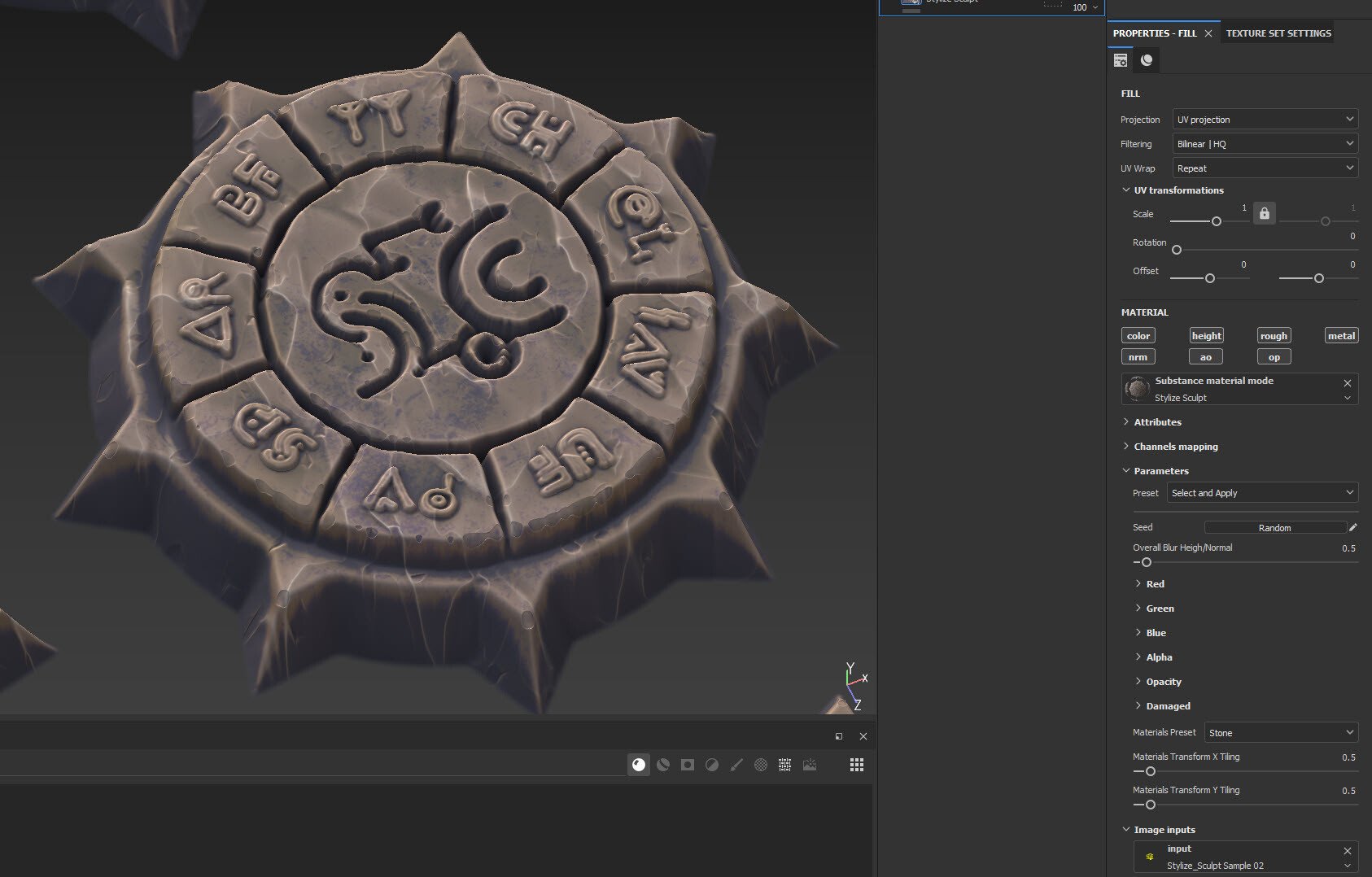
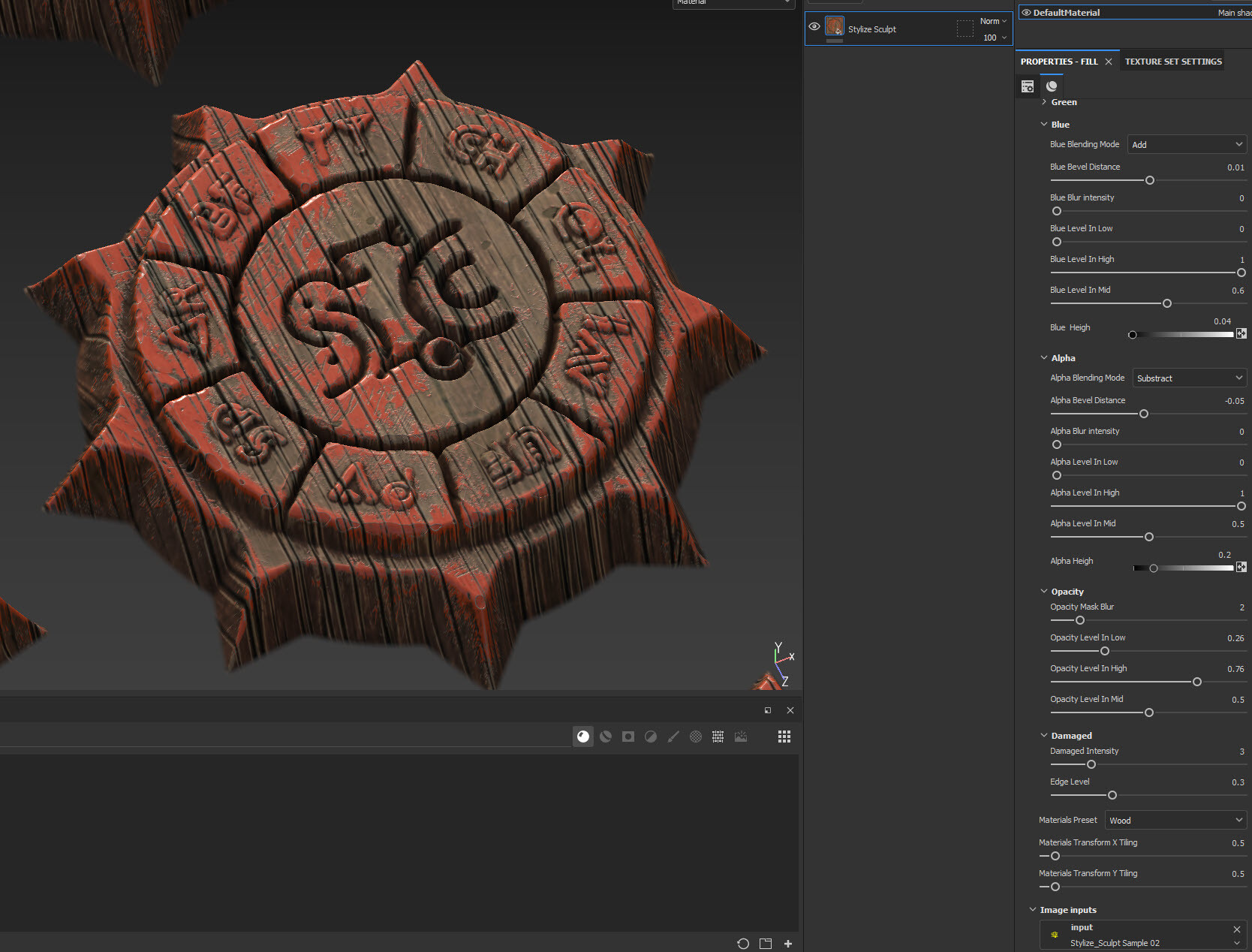

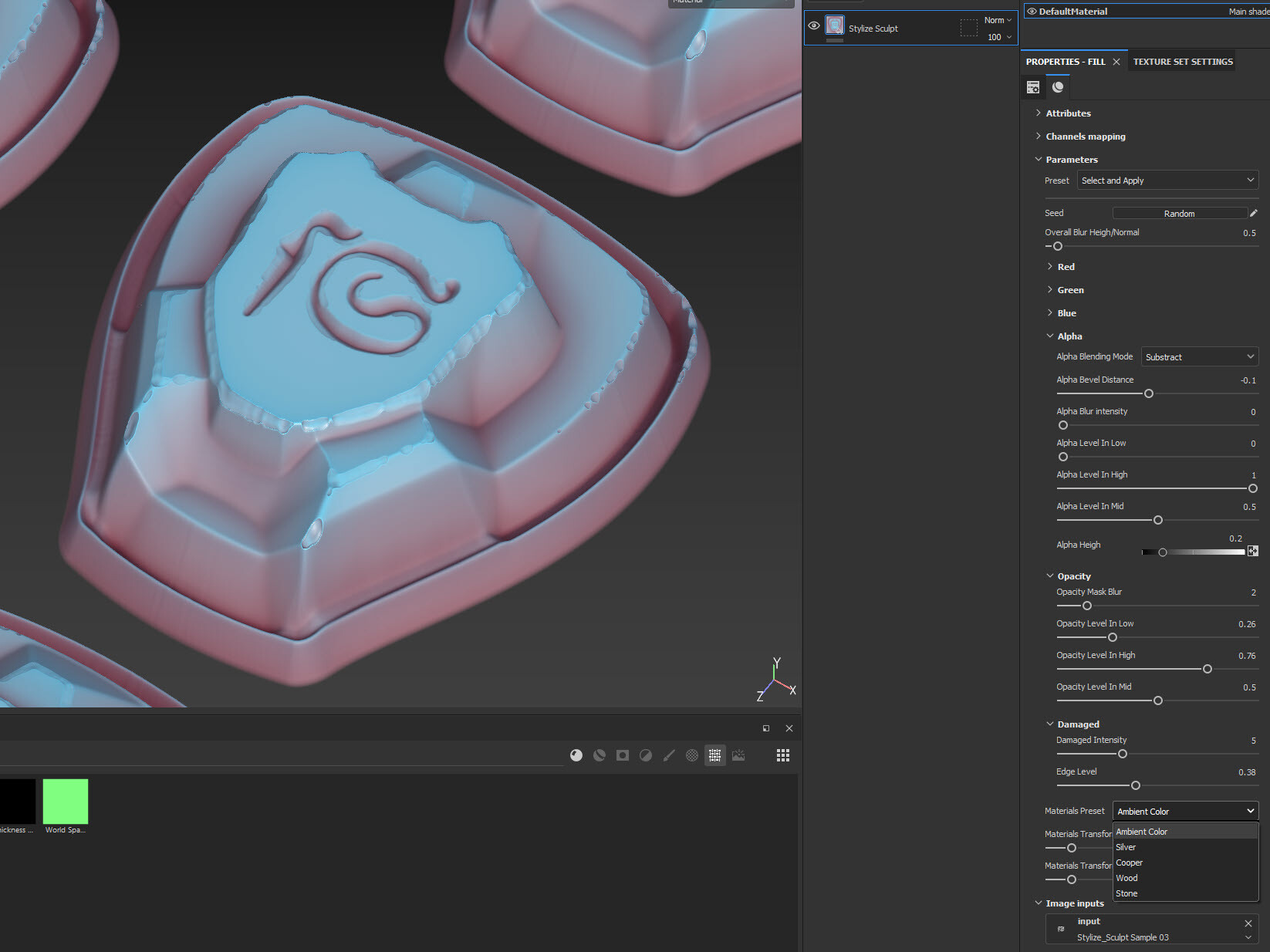


A tool helps you convert an RGBA input texture into a "stylized-sculpt-looking".
There're 4 preset settings, 5 preset materials, and 3 input texture samples for you to play around with. Or you can use your own input and create many different results as you want.
Each channel of input texture is a mask for a separate area, that you can modify the bevel, blur intensity, level, height, blending mode... You can also modify other settings like opacity and edge damage.
You can find the tutorial here:
Release Notes
Add input sample textures
For personal use and one commercial project (up to 2,000 sales or 20,000 views).
TutorialsOne copy to be used by a single user.
Installable ToolsOne installation by a single user.
Learn MoreFor use on an unlimited number of commercial projects with no limits on sales or views.
Learn MoreFor use on an unlimited number of commercial projects with no limits on sales or views.
Learn More