PBR Range Checker
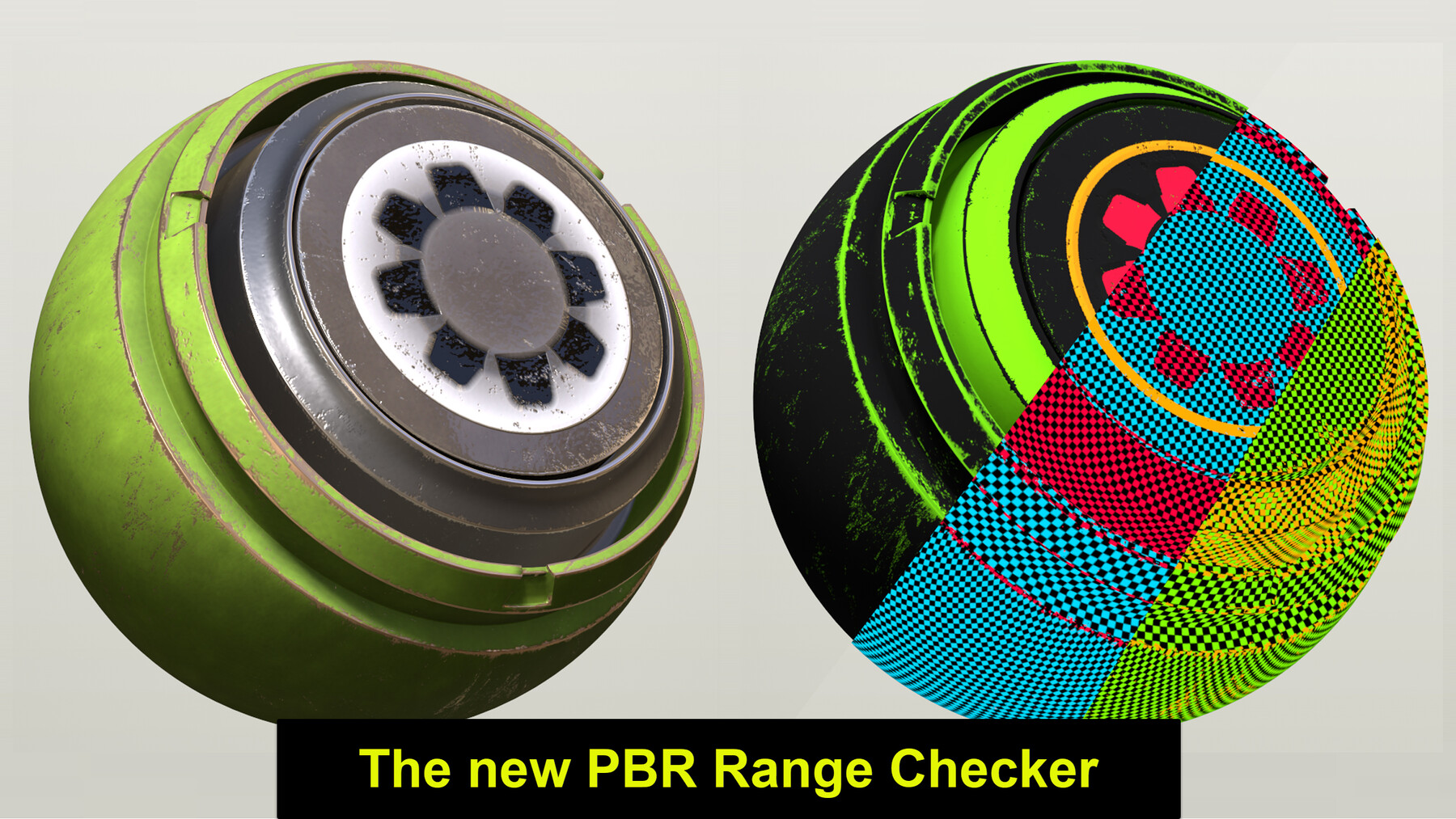
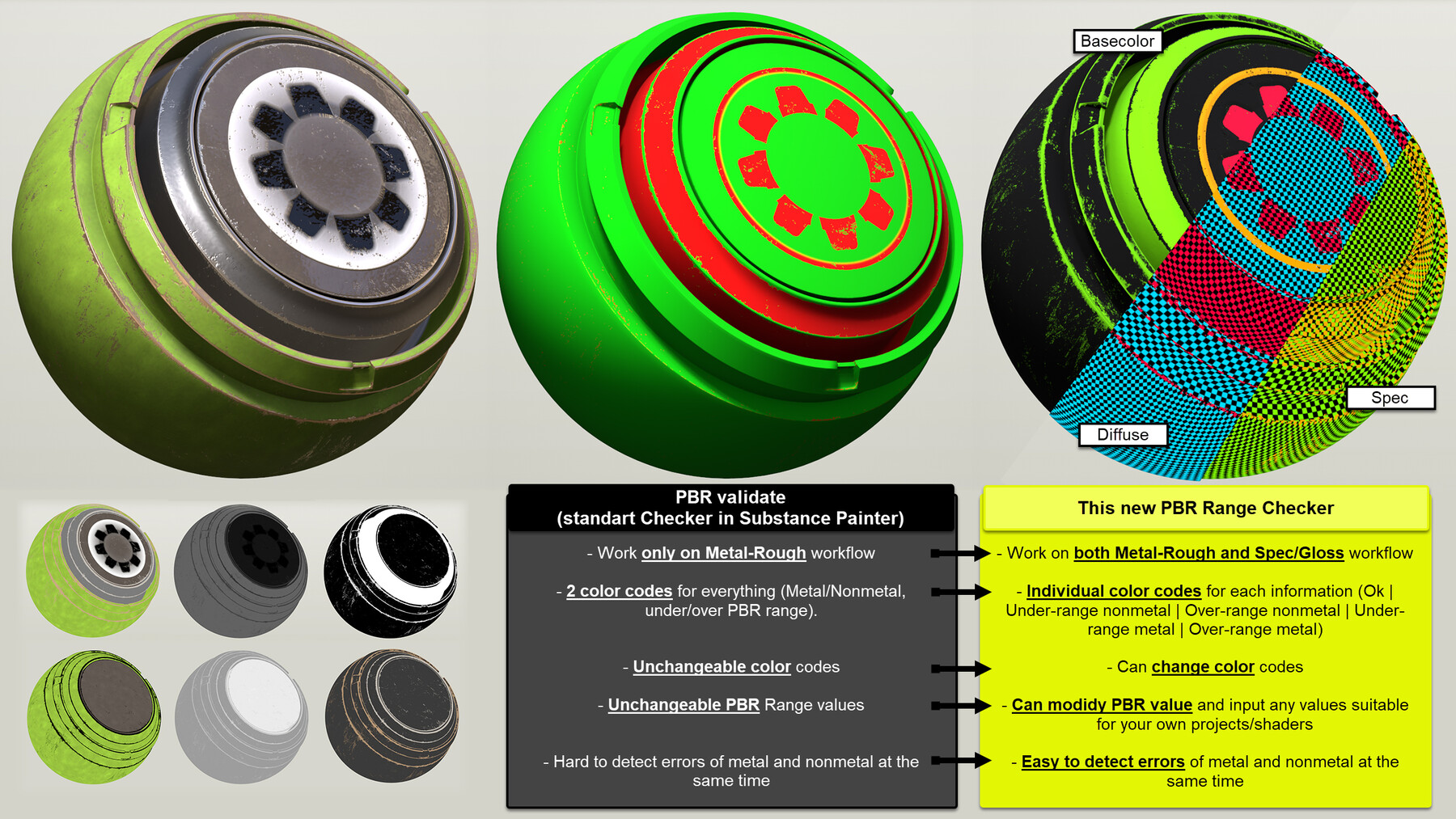
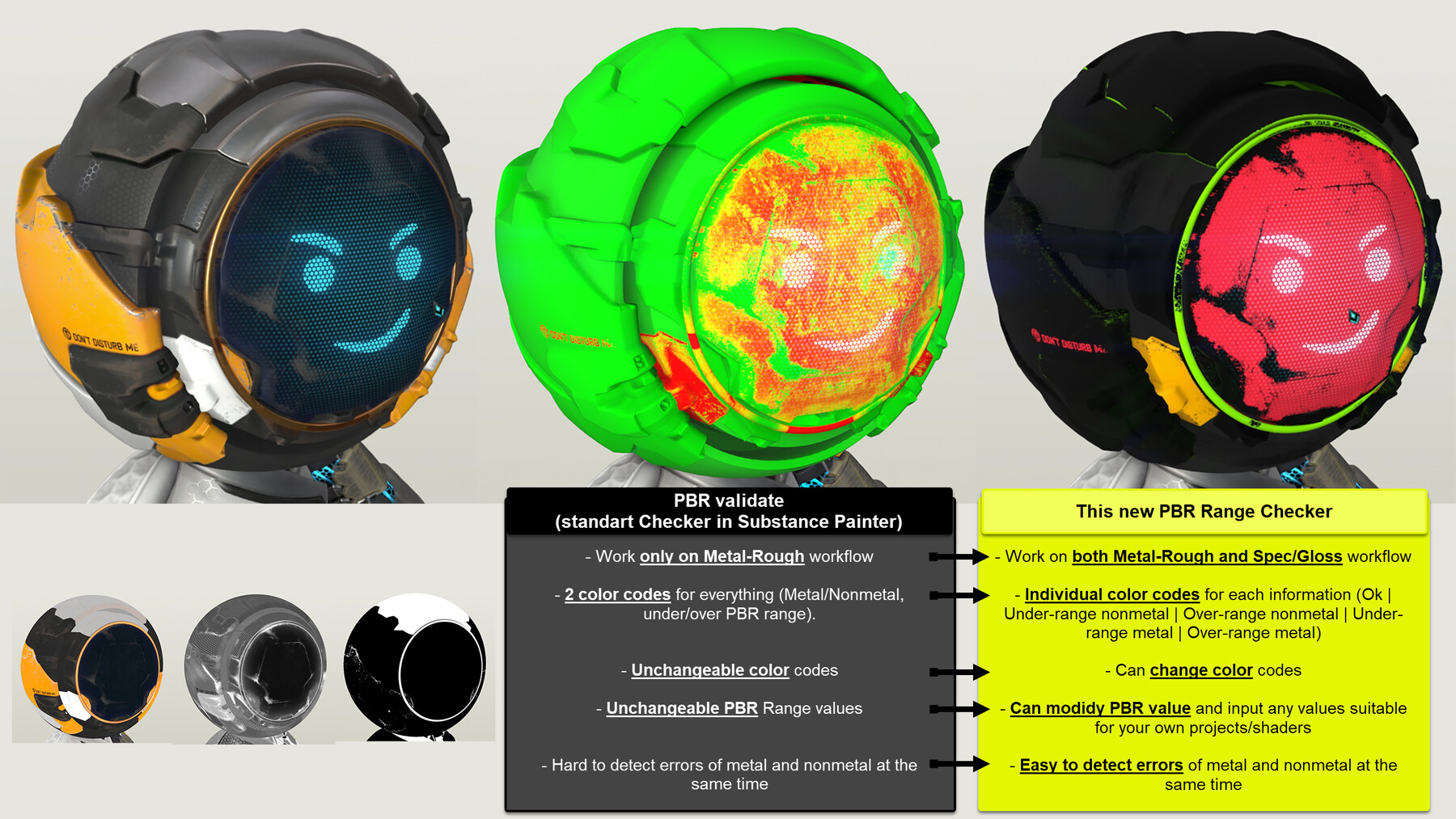
This filter will help you validate the PBR values of your materials (in Substance Painter).
- This checker works with both Spec/Gloss and Metal/Rough workflow.
- It have individual color codes for each information (Under-range nonmetal | Over-range nonmetal | Under-range metal | Over-range metal).
- You can change the color codes as you want.
- You can modidy PBR values and input any values suitable for your own projects/shaders.
- Compared to standard PBR validate Substance Painter, this checker is easier to detect errors or metal and nonmetal at the same time.
For an overview of this node, please take a look at the video here:
For personal use and one commercial project (up to 2,000 sales or 20,000 views).
TutorialsOne copy to be used by a single user.
Installable ToolsOne installation by a single user.
Learn MoreFor personal use and one commercial project (up to 2,000 sales or 20,000 views).
TutorialsOne copy to be used by a single user.
Installable ToolsOne installation by a single user.
Learn MoreFor personal use and one commercial project (up to 2,000 sales or 20,000 views).
TutorialsOne copy to be used by a single user.
Installable ToolsOne installation by a single user.
Learn More